| Simple Effect | ||

|
||
|
This example shows how to perform a simple sharpen effect on an image held in an ImageGlue Canvas.
|
| Create a Canvas | |

|
|
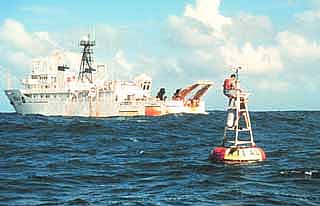
To start with you need an ImageGlue Canvas. We'll just create one and put a picture of a boat into it.
|
| Apply the Effect | |
|
|
|
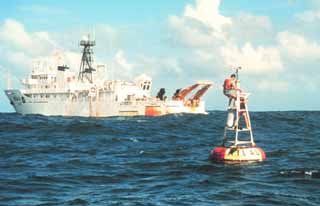
Next we apply the sharpen effect to the image.
|
| Save the Image | |
|
|
|
Finally we save the sharpened image.
|