| eForm Stamp Example | ||

|
||
|
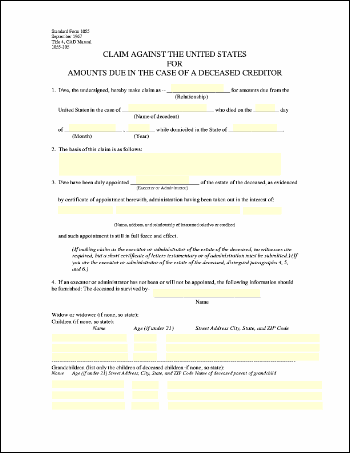
This example shows how to stamp eForm fields into a document so that the values are indelibly marked.
|

Src
|
First, we create an ABCpdf Doc object and read in our template form.
|
Add
|
We set the values of selected fields, and then we stamp all field values into the document.
|
Save
|
Finally, we save.
|
Results
|
Given the following document.
This is the kind of output you might expect.
|