| PDF Rendering Example | ||

|
||
|
This example shows how to render a PDF document.
|

Read
|
We create an ABCpdf Doc object and read our source PDF.
|
Prefs
|
We specify our base rendering settings.
|
Save
|
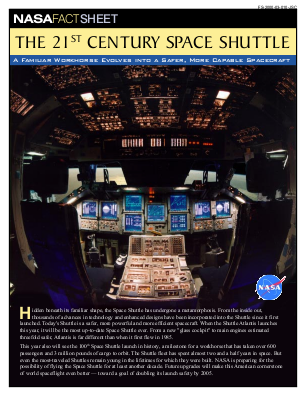
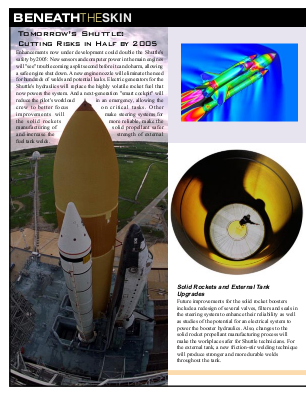
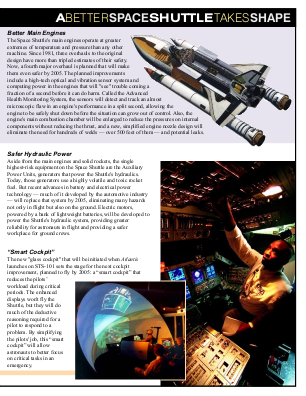
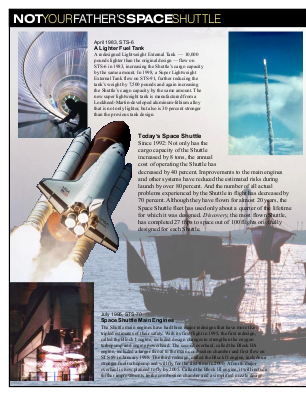
Finally, we save the first four pages of the document in png format.
|
Results
|
|