| Tag Function | ||

|
||
|
Tags a PDF document using AI.
|

Syntax
|
[C#]
|
Params
|
Notes
|
Tags a PDF document. This method sets XSaveOptions.AutoTag of Doc.SaveOptions to true. New tags are created only when the document is saved to a file or is serialized.
|
Example
|
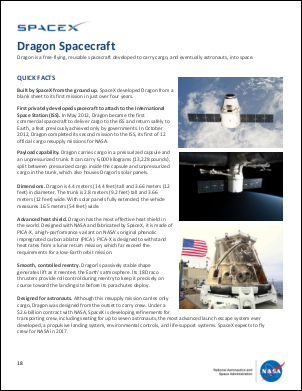
This example shows a simple document tagging operation.
var options = new PythonOptions();
options.Initialize(PythonEnvironment.Current, null);
using var rt = PythonEnvironment.Current.GetRuntime();
using var scope = rt.CreateScope();
rt.StdOutWriter = Console.Out;
rt.StdErrWriter = Console.Error;
rt.AutoInitializeRuntime(scope);
var p = Environment.OSVersion.Platform;
bool isWindows = p == PlatformID.Win32NT || p == PlatformID.Win32S || p == PlatformID.Win32Windows;
if (!isWindows)
  scope.Exec("import os\nos.environ['NO_COLOR'] = '1'\n");
var op = new AccessibilityOperationAI();
using var doc = op.Tag(scope, "../Rez/spacex_nasa_dragon.pdf");
doc.Save("accessibility_ai.pdf");
|